Tagging Automatically Highlights the Most Relevant Person, Team, or Company to Fix a Crash
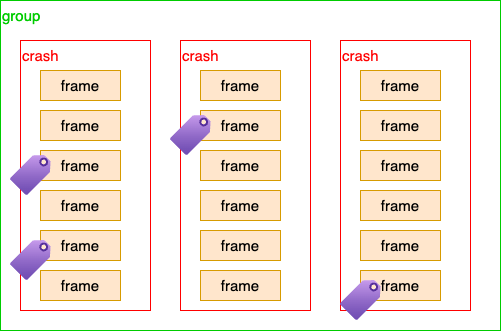
Embrace tags each stack frame by the most specific matching condition in your CODEOWNERS file. This is then rolled up to the Crash, and Crash Group levels.
Create Tag Rules
Directly in the Dashboard
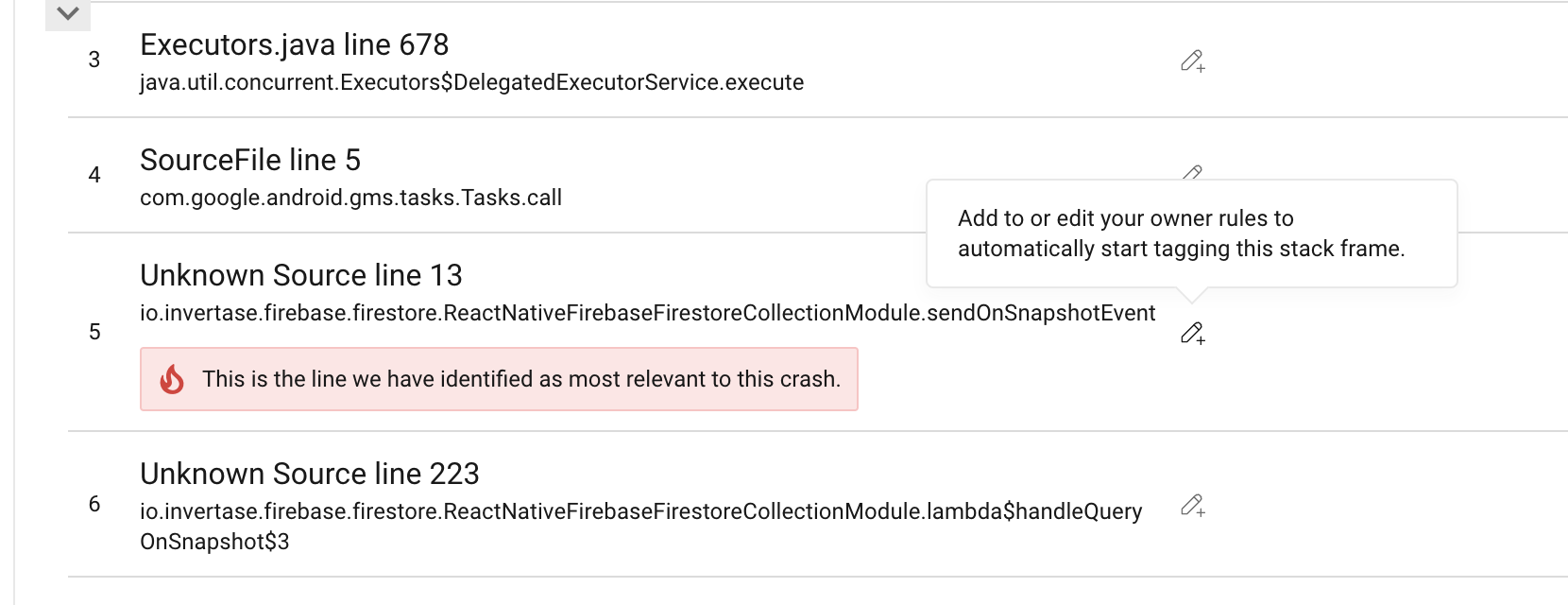
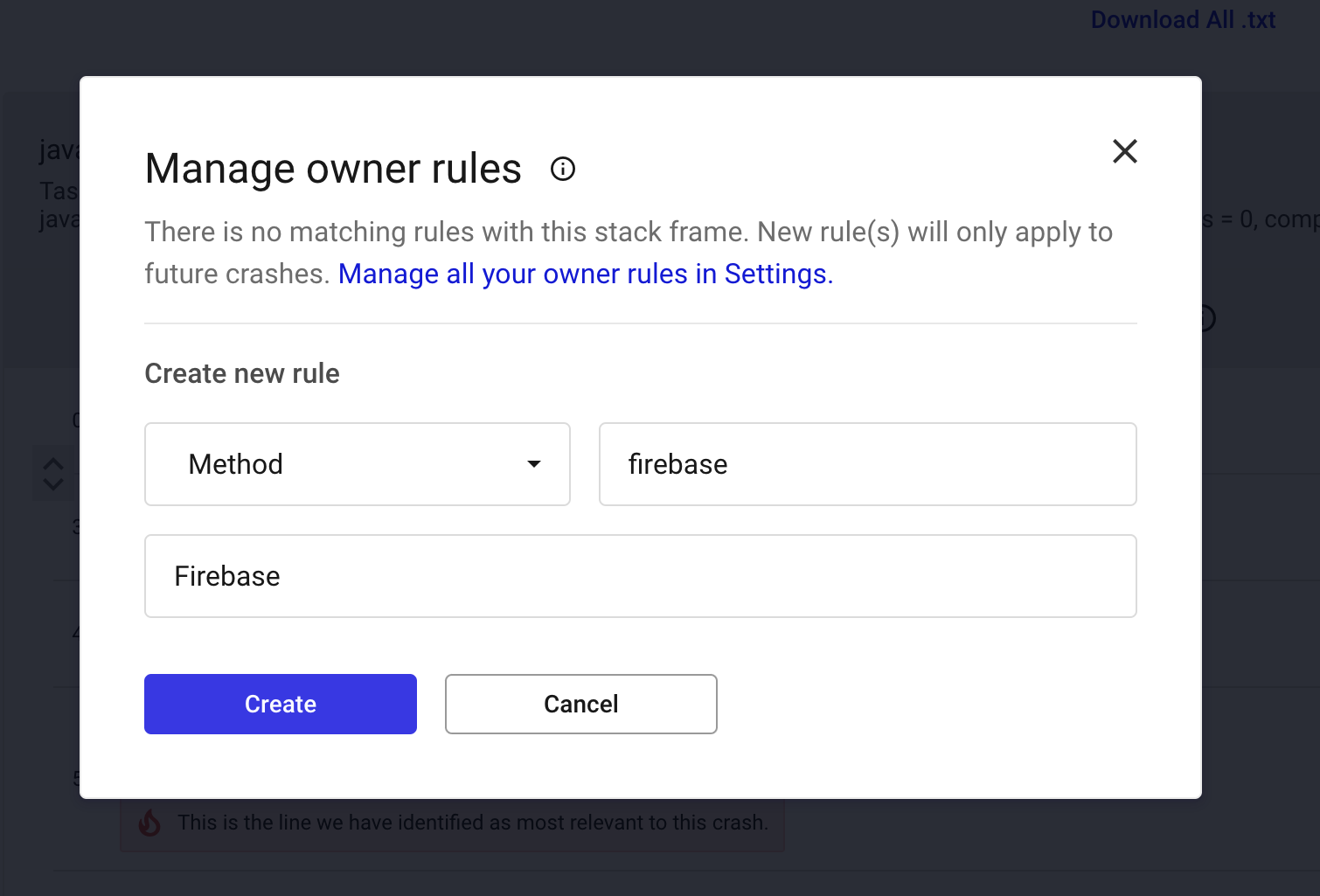
On any Crash, you can directly create a rule in the stack frame. Click on the edit icon and fill out the modal with any RE2 regex rule and your desired tag.
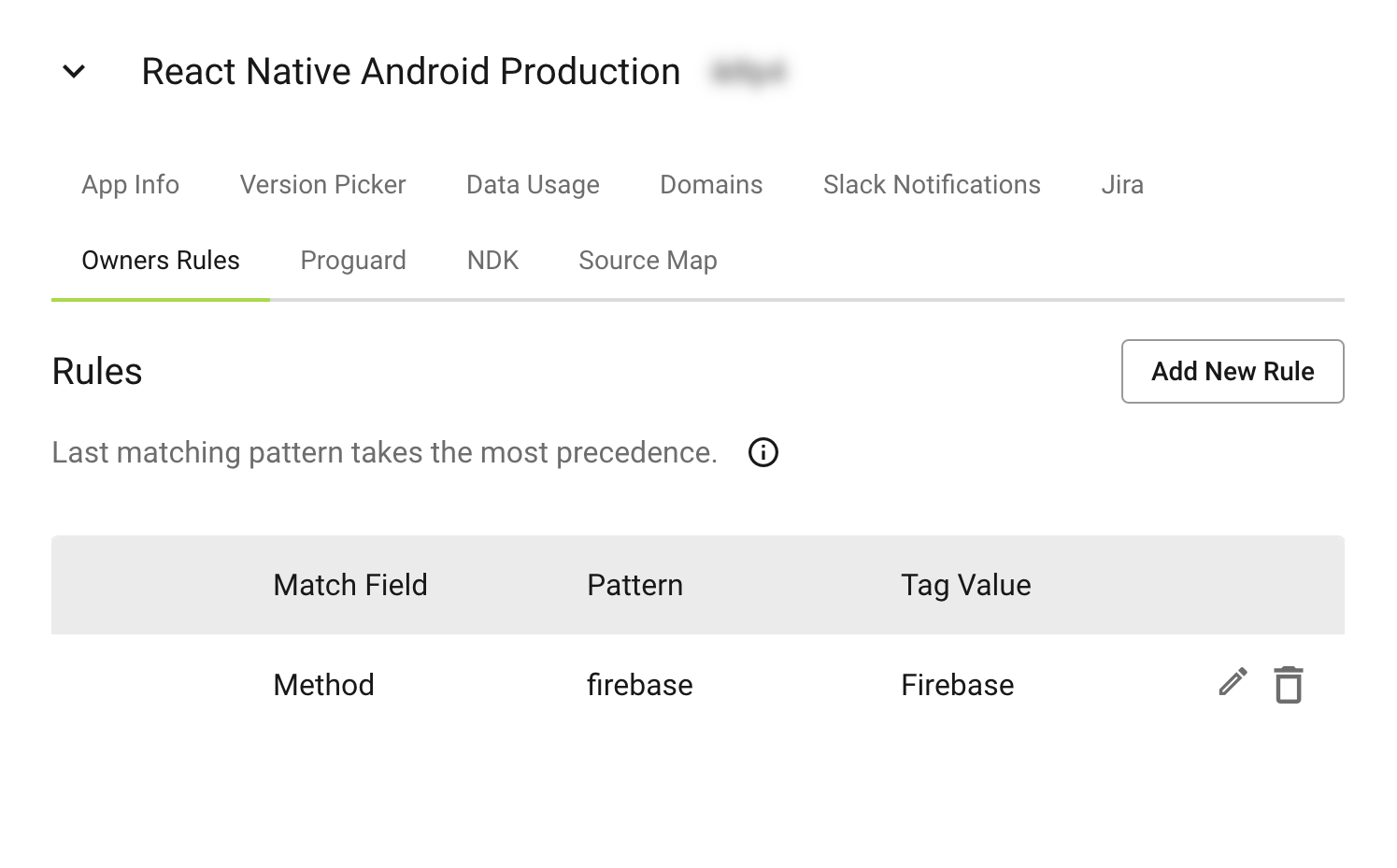
You can also see, create, and modify rules in the Settings view.
- Click on the Settings icon in the lower right hand corner of the dashboard.
- Under the "Projects and Apps" section, select the app you want to create rules for.
- Expand the desired app and navigate to the "Owner Rules" section.
- Modify or create new rules as needed.
With a CODEOWNERS File
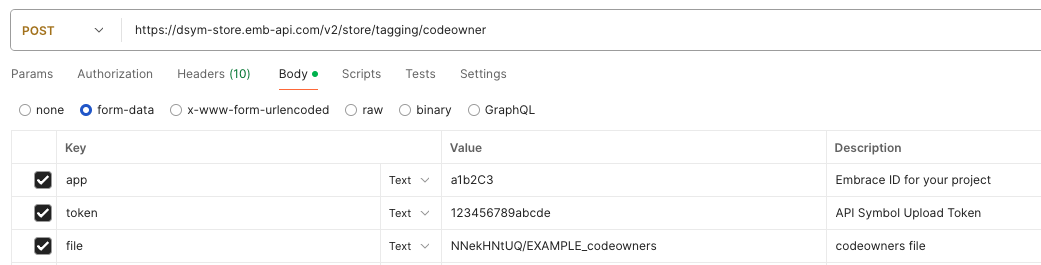
POST your file to https://dsym-store.emb-api.com/v2/store/tagging/codeowner. Include your app,
token (the symbol upload token used to upload symbols files), file and base_directory. The base_directory is the
prefix that will be stripped from the stack frame file paths before matching. This is useful for matching stack traces
from React Native. For Android apps, base_directory is also used to extract Java/Kotlin package names from file paths.
NOTE: Automatically tagging owners using a CODEOWNERS file is most useful in crashes where the stack trace information matches your source code layout. Matching will not work in cases where the crash frame does not match your source code. For example, a native Android crash in a React Native app will not match the JavaScript source code for the app.
Android support: When type=android is provided, Embrace will automatically generate additional matching rules
based on Java/Kotlin package names derived from file paths in your CODEOWNERS file. This allows CODEOWNERS entries like
src/main/java/com/example/feature/ @team-name to match Android crash frames that report method names
(e.g., com.example.feature.MyClass.onCreate).
Use the following curl command to upload the CODEOWNERS file:
curl https://dsym-store.emb-api.com/v2/store/tagging/codeowner \
  --form app=<app_id> \
  --form token=<token> \
  --form file=@./CODEOWNERS \
  --form base_directory=<base_directory>
Consume tagged crashes via Metrics API
New crashes will be automatically tagged as they happen. Tags will show up on the Crash Summary page (as "Owners") and the Crash Details page (as header and in the stack frames).
You can find an example query for hourly_crashes_by_tag at Metrics API