LIVE SESSION on April 29: Less toil, faster fixes: AI-powered observability with Embrace

Sign-up

Easily copy widgets and dashboards in Embrace

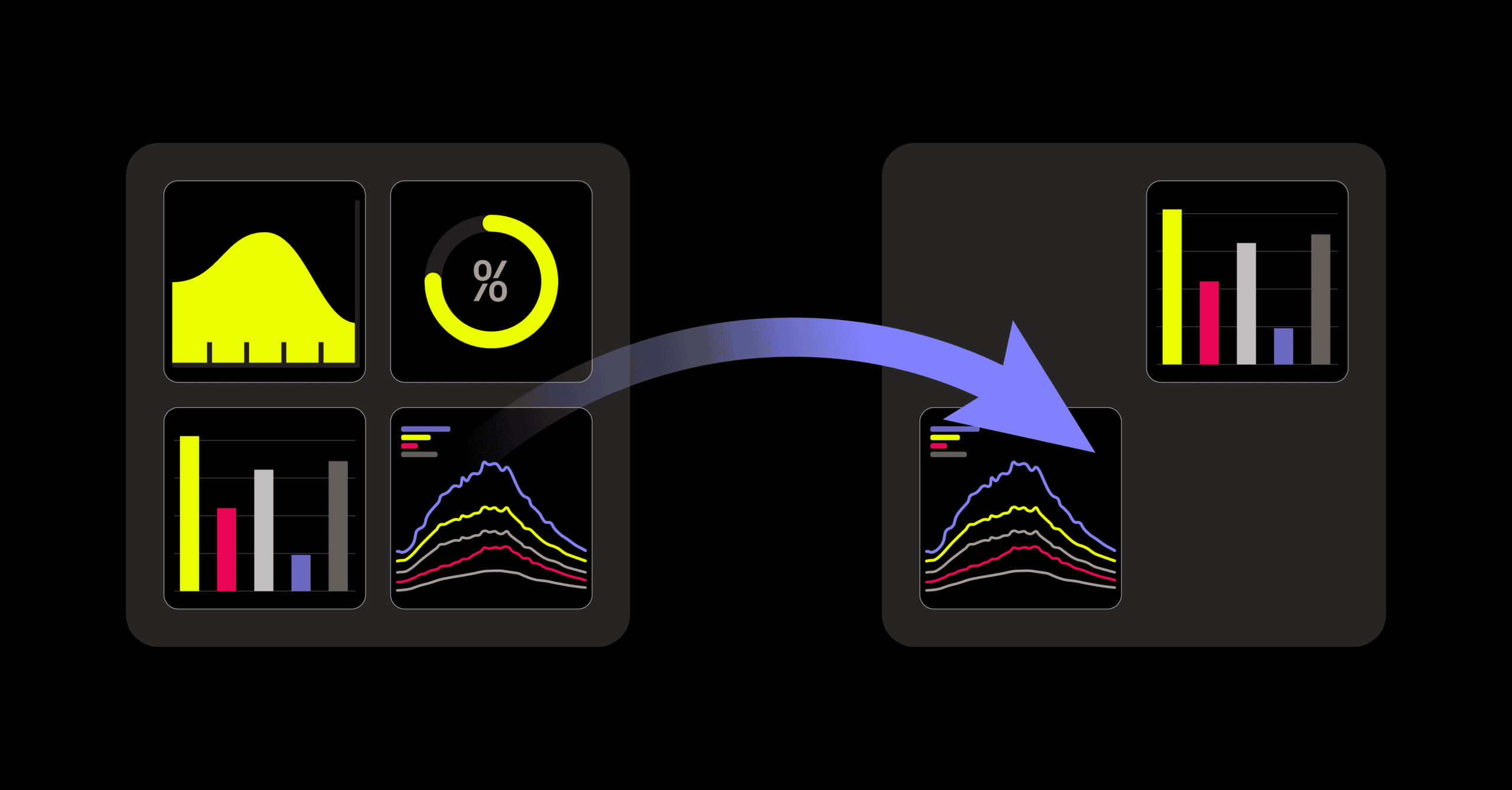
Embrace now has copying functionality for widgets and dashboards, both at the app and organization level.

We’re excited to share several improvements to the widgets and dashboard experience in Embrace. We’ve made it easy to reuse the widgets and dashboards you create, both at the app and organization level.

In this post, we’ll provide an overview on this new functionality, including:

  • How you can copy widgets to new or existing dashboards
  • How you can copy dashboards across apps
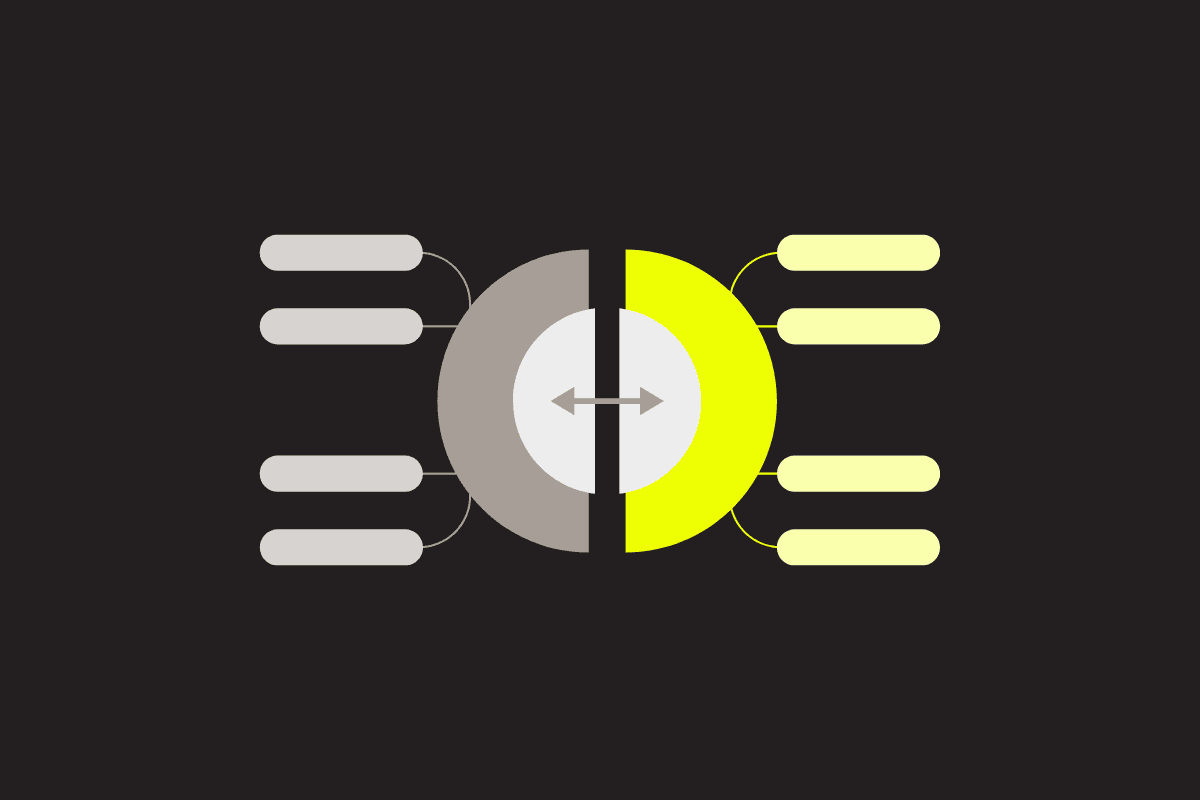
How you can copy widgets to new or existing dashboards

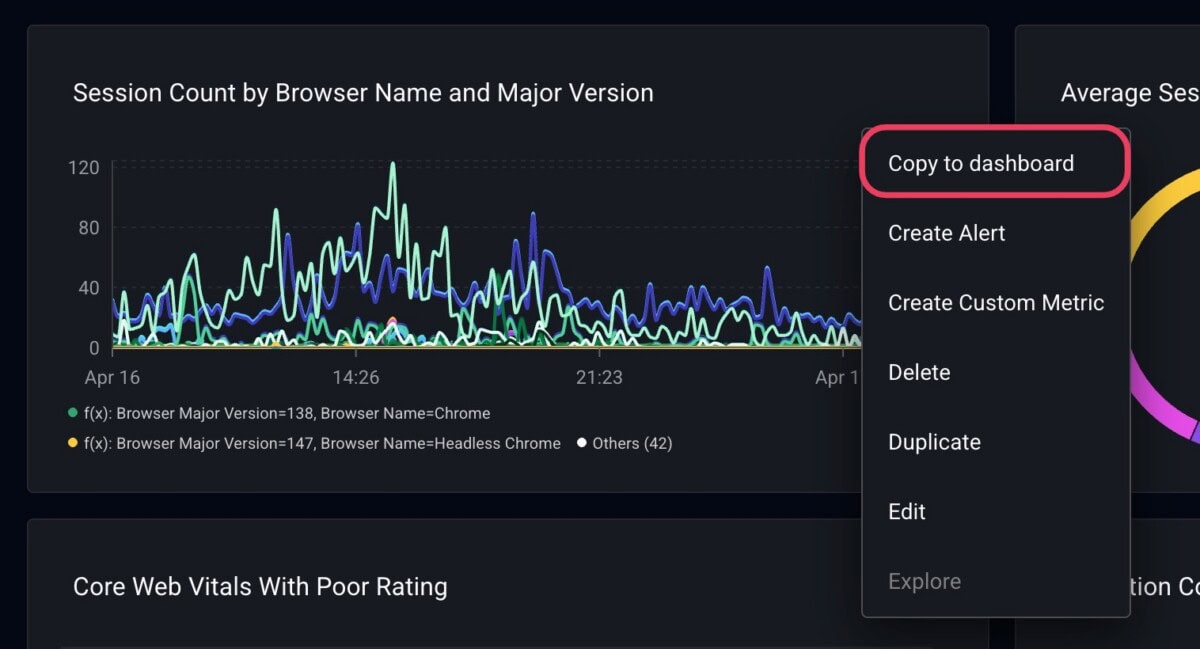
Head to the dashboard that has the widgets you want to copy. Click the three dots icon on a widget to view actions you can take, and you’ll see a new option called “Copy to dashboard.”

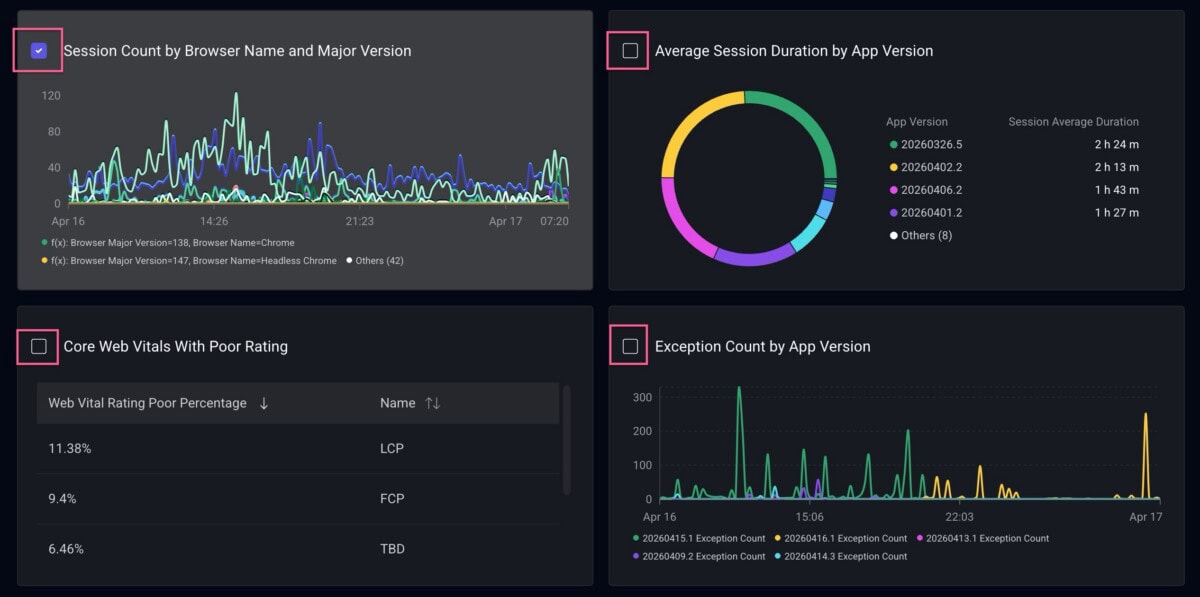
This puts you into a multi-select mode where you can select as many widgets from the current dashboard as you’d like.

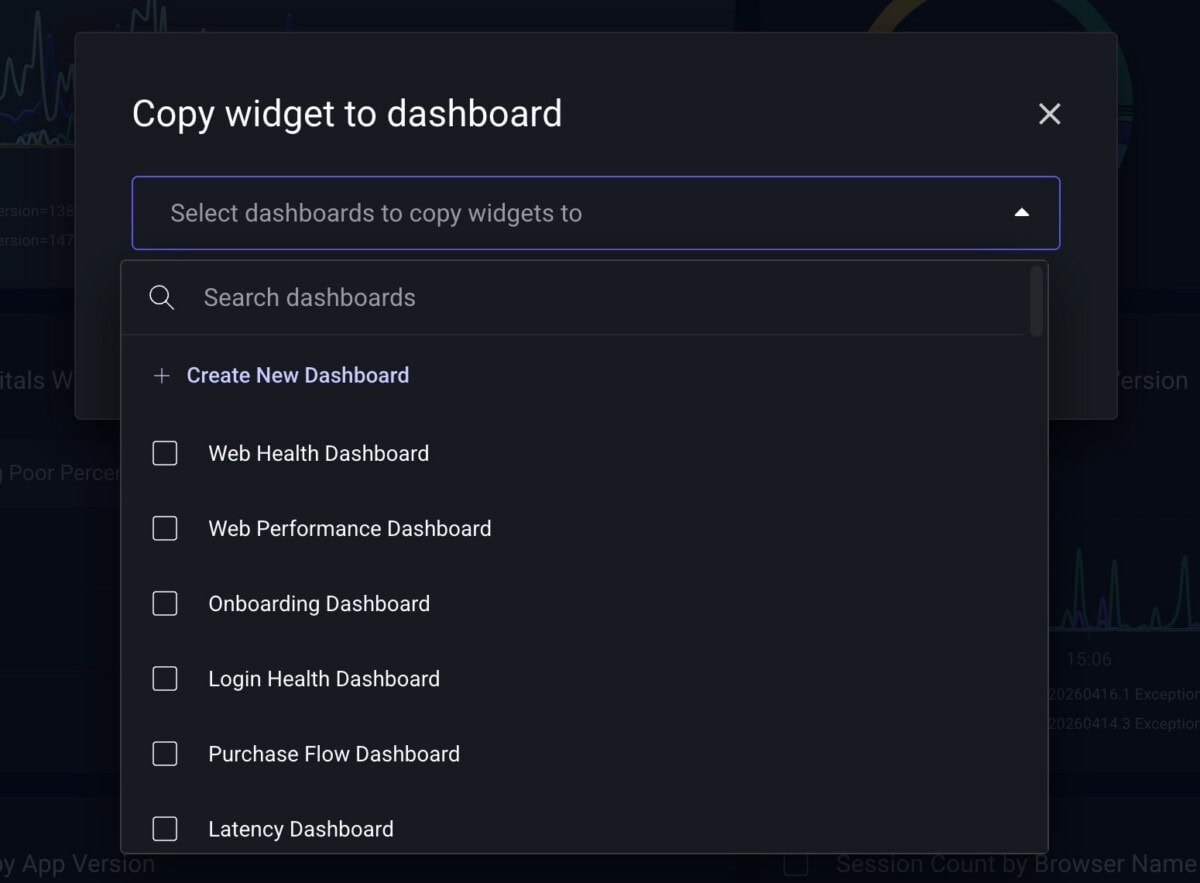
Make your selections, then click the “Copy to dashboard” button in the top right of the screen. You can then either:

  • Add the widgets to one or more existing dashboards
  • Add the widgets to a newly created dashboard

You can then either navigate to the new dashboard or stay on the current one if you have additional changes you’d like to make.

That’s it! You can easily share any widgets across your app’s dashboards. A key point to remember is that copied widgets are fully independent, meaning they won’t contain a back-reference to the source dashboard or original widget. This gives you full freedom to edit them after copying without affecting other dashboards.

If you have multiple apps in Embrace, let’s now cover how you can share dashboards across them.

How you can copy dashboards across apps

You can copy dashboards from two different places in the Embrace platform:

  • On the All Dashboards page
  • From an individual dashboard page
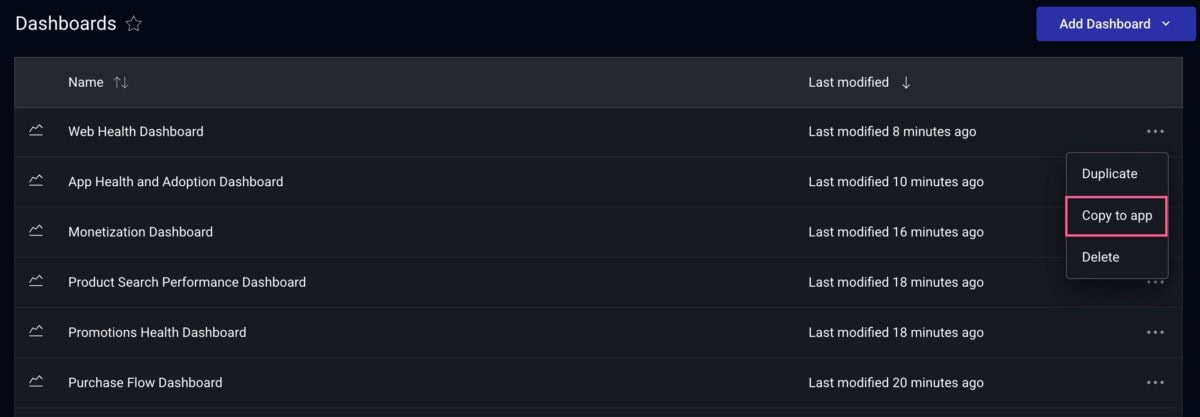
Click the three dots next to a dashboard from the All Dashboards page to access the “Copy to app” functionality.
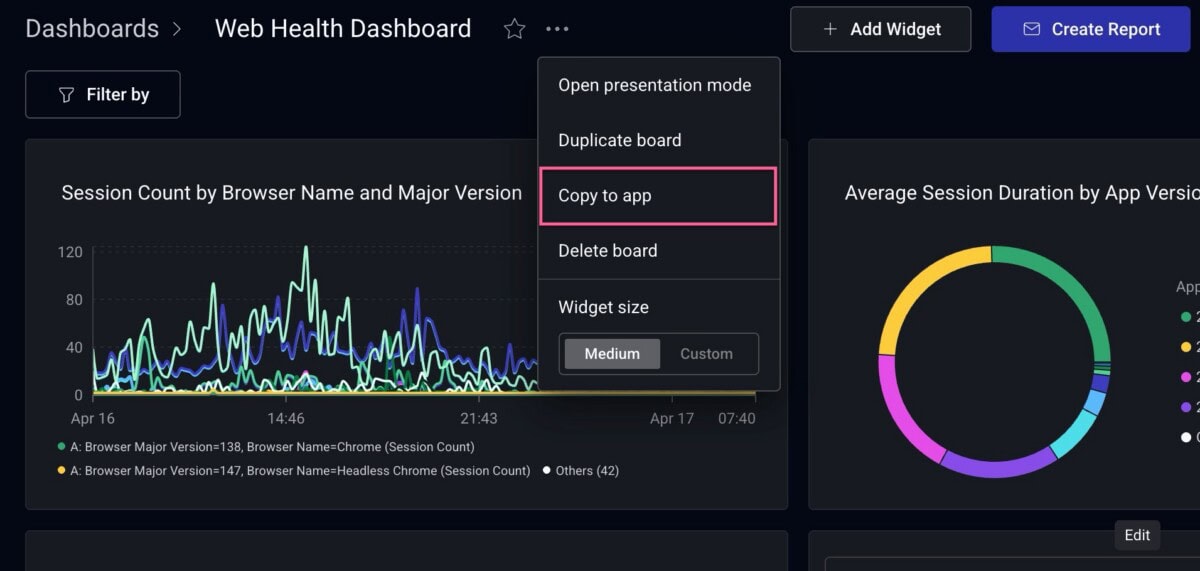
Click the three dots from an individual dashboard to access the “Copy to app” functionality.

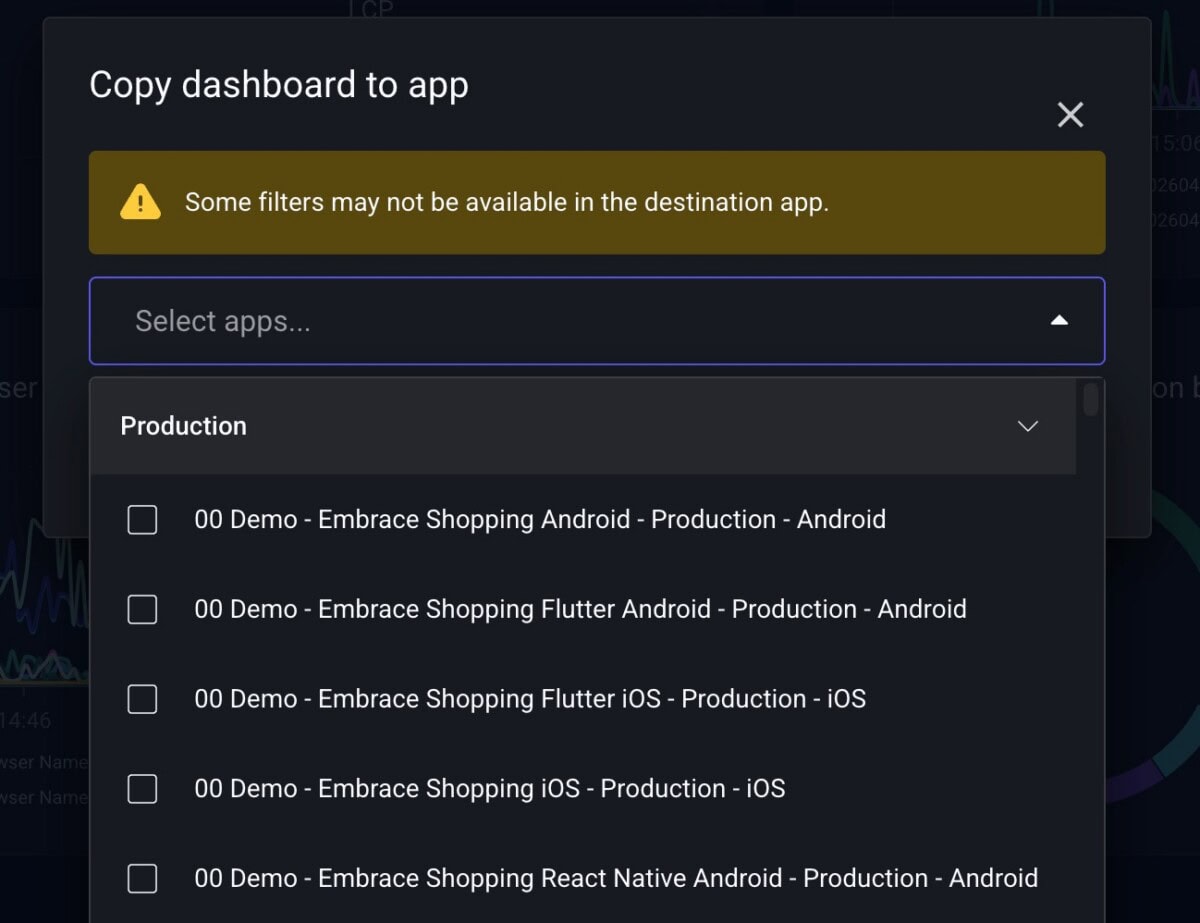
You’ll see a modal where you can select apps within your organization that you’d like to copy the current dashboard to. Quick note: All copy actions respect app-level access permissions, so you can only copy to apps in your organization that you have access to.

Once you finalize your selections, you can either open the new dashboard in the destination app or remain on the current page.

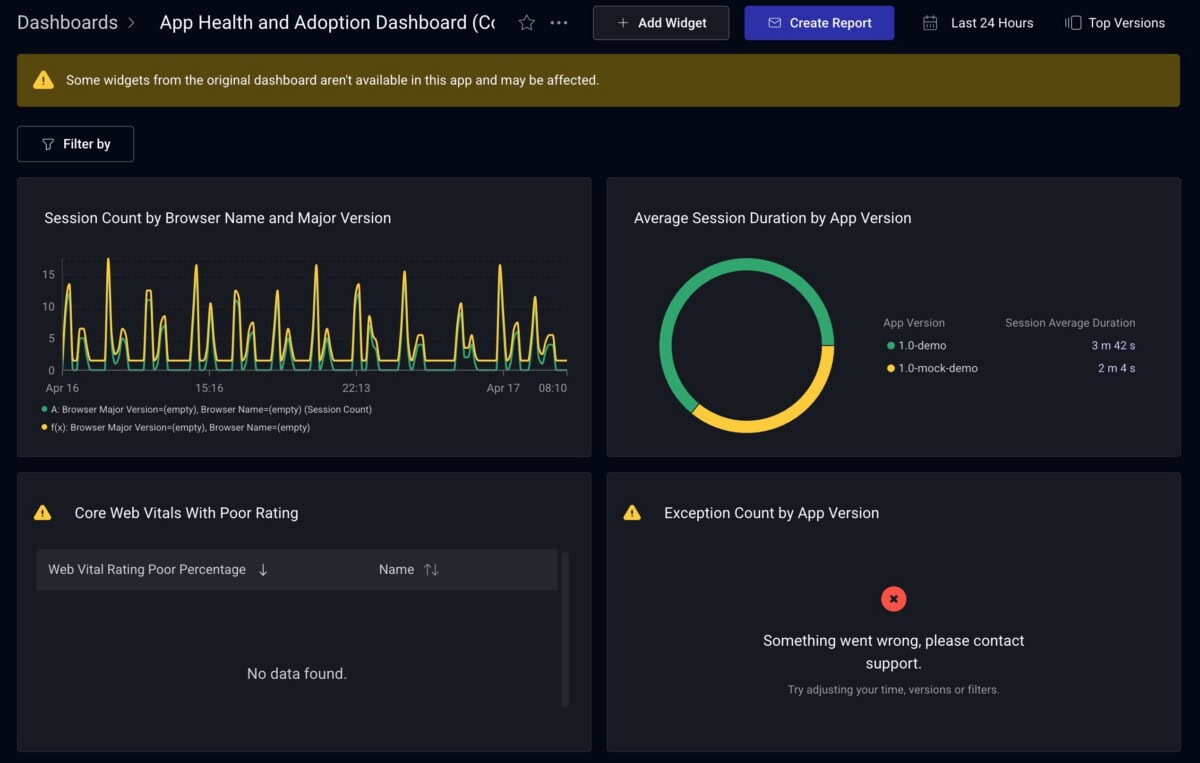
We’ve also added helpful error states to let you know why a copied widget fails to render in the target app. This could be for a number of reasons, such as a missing filter key, metric, or dimension. Simply hover over the error indicator to see a tooltip that explains the specific reason for the failure.

Copying entire dashboards is especially useful for teams that manage multiple apps and want to maintain consistent dashboards across them. Instead of rebuilding your carefully curated monitoring setup for each app, copy it once and adjust as needed.

Wrapping up

We’re always striving to make it as easy as possible to get to the data you care about in the Embrace platform. Now, whether you’re duplicating individual widgets or sharing entire dashboards across apps, you can spend less time rebuilding and more time using your data.

If you have questions or feedback, reach out to your customer success manager or share in our Slack community. And for more on what you can do with dashboards in Embrace, check out our Custom Dashboards documentation.

Embrace Deliver incredible mobile experiences with Embrace.

Get started today with 1 million free user sessions.

Get started free
Related Content

Introducing Release Health: your new version comparison tool

Embrace's new Release Health page lets you compare the stability and performance of two different app versions in one simple, streamlined view. See side-by-side stats around crash rate, errors, exceptions, and ANRs to quickly identify improvements or regressions across releases. Prioritize which issue to fix based on how many of your users are being impacted.